H3VR2 logo: How to Find Official Art and Use It
Looking for the H3VR2 logo? Learn how to verify official artwork, find reliable sources, and avoid confusing fan-made graphics with game branding.
What to know about the H3VR2 logo
A logo can help you spot a game’s official page, promotional materials, and community posts—but only if you know which artwork is authentic. If you’re searching for the H3VR2 logo, the key is to check the source rather than trust an image reposted without context. That matters because fan graphics, thumbnails, and early promotional images can look official even when they are not.
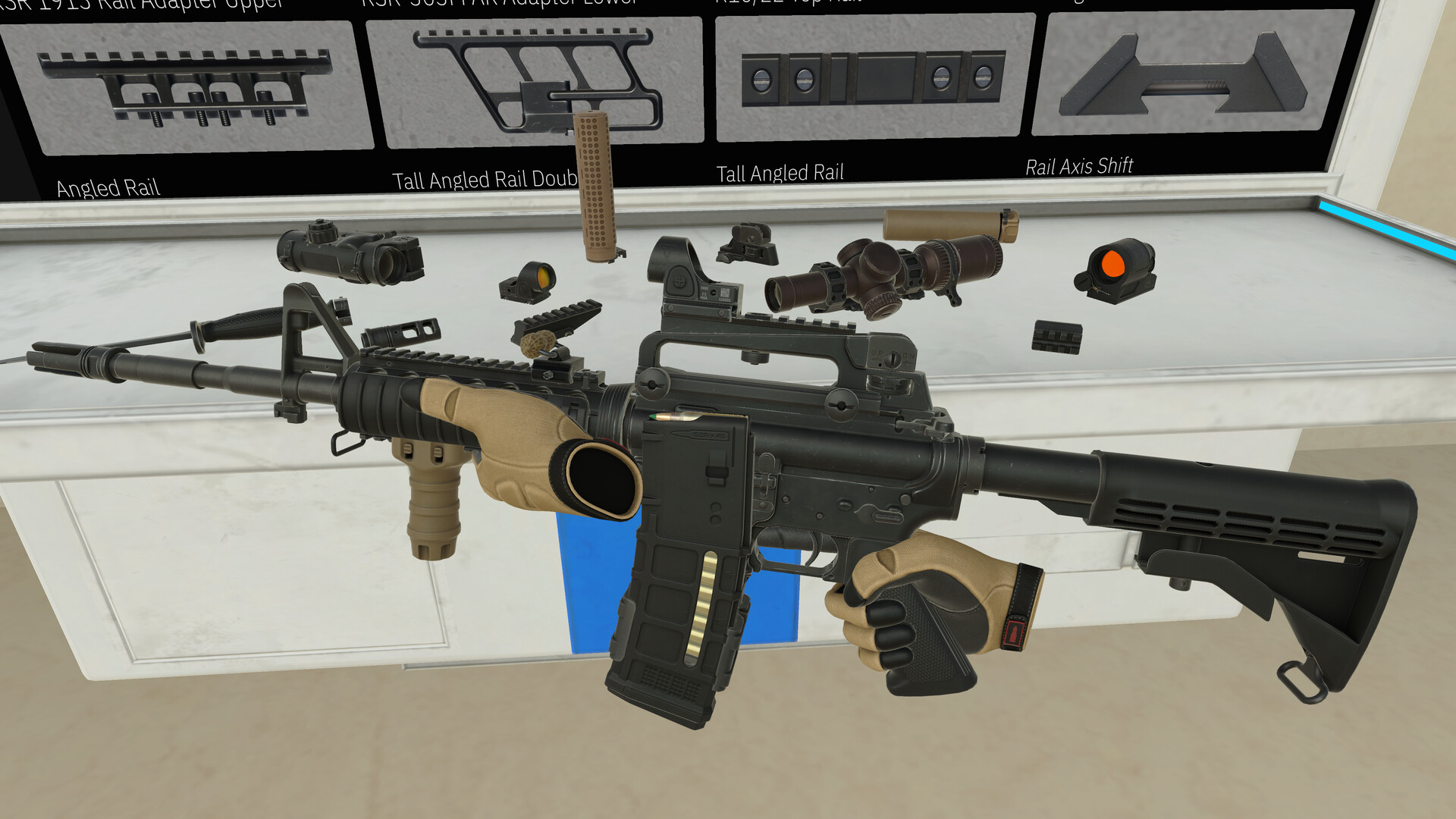
Official screenshot · Source: Steam store
The available reference material for this article does not provide a confirmed logo image or describe its design. It centers on gameplay from Hot Dogs, Horseshoes & Hand Grenades 2, including a Facility run, weapon finds, and encounters in the Warehouse. So this guide focuses on how to find and evaluate H3VR2 branding without inventing visual details or presenting unverified artwork as official.
How to find an official H3VR2 logo
Start with the game’s official channels. An image published directly by the developer or included in an official store listing is a stronger reference than a social post or a search result with no attribution. When you find a graphic, open the original page and check who published it, when it appeared, and what it was used for.
The official Hot Dogs, Horseshoes & Hand Grenades website is a useful starting point for locating developer information and related game links. If the site does not display a particular H3VR2 logo file, do not assume that a graphic elsewhere is official. Follow any linked developer accounts or storefront pages and compare the artwork there.
| Where you find an image | How much confidence to place in it | What to check |
|---|---|---|
| Developer’s official website | High, if the page is current | Publisher, page context, and update date |
| Official game storefront | High for the artwork shown there | Listing identity and whether the image is part of the official page |
| Developer’s verified social account | High when the post is clearly attributable | Account identity, post date, and links to official pages |
| Creator’s gameplay video thumbnail | Limited | Whether the creator made the thumbnail or sourced it officially |
| Fan wiki, forum, or image repost | Uncertain | Original source, credit, and permission |
| Search-result image preview | Low on its own | Open the page and verify the original publisher |
Search engines are helpful for discovery, but their image previews are not proof of authenticity. A repost may be cropped, recolored, or combined with other artwork. The same is true of thumbnails: they often include creator-designed text, backgrounds, and character images alongside official promotional material.
Search terms that reduce confusion
Try queries that include the developer, the game’s full title, and the type of asset you want. For example:
- “Hot Dogs, Horseshoes & Hand Grenades 2 official logo”
- “H3VR2 official game artwork”
- “H3VR2 developer announcement branding”
- “Hot Dogs, Horseshoes & Hand Grenades 2 store page”
These searches can surface relevant pages, but treat the results as leads—not confirmation. Check the page itself before downloading or sharing an image.
What the available H3VR2 material actually confirms
The supplied gameplay source is titled “H3VR2: The Facility - Experiencing the Brutality of The Warehouse.” It documents a player progressing through the Facility, discussing Sosig behavior, collecting equipment, and attempting to survive the Warehouse. It does not provide a logo file, identify a logo’s colors or typography, or explain official brand guidelines.
That distinction matters for anyone making a guide, video, fan page, or social post. A title card or channel thumbnail may include H3VR2 in large lettering, but that does not establish that the lettering is the game’s official logo. Unless the developer publishes or identifies an asset, describe it neutrally as “H3VR2 artwork” or “a fan-made H3VR2 graphic,” depending on its source.
| Claim | Supported by the provided material? | Safe way to describe it |
|---|---|---|
| A player video covers H3VR2 Facility gameplay | Yes | “The video follows a Facility run.” |
| The video discusses Sosig aggro and combat | Yes | “The creator explains their understanding of enemy behavior and combat.” |
| The video supplies an official logo image | No | Don’t claim that it does |
| A thumbnail is necessarily official game branding | No | Identify it as a creator thumbnail unless confirmed |
| A specific logo design, color, or font is official | No | Avoid describing unverified design details |
The video does offer useful context for the game itself. The player explains that, based on community feedback and their experience, Sosig aggression depends on the enemy class rather than simply the Facility level. They also describe attempting a Warehouse run with limited equipment and upgrading the recycler after extracting resources. These are gameplay observations, not evidence about the H3VR2 logo.
How to tell official artwork from fan-made graphics
There is no foolproof visual shortcut for confirming a logo. Instead, evaluate the image’s provenance—the trail that shows where it came from and who created or published it. A graphic shared by a developer account and linked from an official game page has clearer provenance than an unattributed image circulating on a forum.
Use this checklist before labeling an image “official”:
- Find the original post or page. Avoid relying on reposts, screenshots, or image-search previews.
- Confirm the publisher. Look for a direct connection to the developer or an official store listing.
- Check the context. Is the graphic presented as a logo, key art, a trailer card, or a creator’s thumbnail?
- Look for a date. Older promotional material may not represent current branding.
- Check for attribution. A credit or source link can help establish who made the artwork.
- Don’t infer authenticity from polish. Fan-made graphics can be professional-looking, while official images may appear in several formats.
| Image feature | Why it can be misleading | Better verification |
|---|---|---|
| Game title set in distinctive lettering | Fan creators can use custom fonts or recreate a wordmark | Compare against developer-published assets |
| Familiar game imagery | The image may combine official screenshots with fan design | Check whether the complete composition was published officially |
| High-resolution file | Resolution says nothing about authorization | Trace the file to its original page |
| Many reposts | Repetition can make an unverified claim seem established | Find the earliest attributable source |
| “Official” in the filename | File names can be changed by anyone | Confirm through the publisher, not the label |
Community reports and player experience can help identify where images are circulating, but they should not be treated as developer confirmation. If a community member says a logo is official, look for the original announcement or page that supports that claim.
Using the H3VR2 logo in a video or fan project
Finding a logo and having permission to use it are separate questions. An image being available online does not automatically make it free to reuse. If you plan to put the H3VR2 logo in a monetized video, a website, merchandise, or a promotional graphic, check the rights information and any usage rules provided by the developer.
For a gameplay video, it is usually clearer to distinguish official game material from your own design. For instance, use a creator-made thumbnail layout and label it as your video artwork rather than implying that the developer published it. Don’t stretch, recolor, or remove attribution from an image if the owner’s guidelines prohibit those changes.
| Intended use | Practical approach |
|---|---|
| Personal reference or private collection | Keep the source URL with the image |
| Gameplay video thumbnail | Make clear that the thumbnail is creator-made; verify any included assets |
| Fan guide or community post | Credit the original source and avoid claiming endorsement |
| Website or commercial promotion | Review the rights terms and seek permission when needed |
| Merchandise or paid downloads | Do not assume a game logo is available for commercial reuse |
The reference wiki’s copyright page says the wiki does not claim ownership of the game, store pages, or official trailers, and invites rights holders to request review or removal of material. That statement concerns the wiki’s own content; it is not a general license to reuse H3VR2 branding. When in doubt, contact the rights holder and wait for guidance.
Quick H3VR2 logo verification checklist
Before saving, publishing, or using an image, answer these questions:
| Question | If the answer is “no” |
|---|---|
| Can I identify the original publisher? | Don’t call the image official yet |
| Is there a direct link to a developer or store page? | Search for a primary source |
| Do I know whether it is a logo, key art, or a thumbnail? | Describe it more generally |
| Have I checked the image’s usage terms? | Avoid commercial or promotional reuse |
| Can I credit the source accurately? | Keep looking for the original attribution |
This approach is especially useful when a game is receiving attention through videos and community discussion. The supplied video, for example, invites viewers to share feedback about gameplay and discusses how the creator separates livestream runs from the main YouTube series. A creator’s branding and commentary are part of that video’s presentation, but they should not be confused with official game assets.
Frequently asked questions
Is there a confirmed H3VR2 logo in the available reference material?
No. The provided source material includes a gameplay video and brief wiki policy pages, but it does not show or describe a confirmed official H3VR2 logo. Check the developer’s official channels for current branding.
How can I verify that an H3VR2 logo image is official?
Trace it to its original source. A developer website, official store listing, or clearly attributable developer announcement is stronger evidence than an image repost, fan wiki, or search preview.
Is a YouTube thumbnail an official H3VR2 logo?
Not necessarily. A thumbnail may be created or edited by the video creator. Unless the developer identifies it as official artwork, refer to it as a video thumbnail or creator-made graphic.
Can I use the H3VR2 logo in my own project?
That depends on the asset’s rights and the intended use. Check the developer’s usage terms and seek permission for commercial or promotional use. Public availability alone does not grant reuse rights.
Related Guides
H3VR2 featurette: What the Hands Update Reveals
Explore what the H3VR2 featurette reveals about hand posing, object interaction, inventory, and the sequel’s VR design direction.
H3VR2 gameplay: Complete Beginner’s Guide
Explore H3VR2 gameplay, training certifications, weapons, movement, Facility mode, and practical beginner tips for Quest 3.
H3VR2 review: Is This the Ultimate Quest Shooter?
Our H3VR2 review examines gunplay, extraction gameplay, performance, inventory systems, difficulty, and whether this Quest shooter is worth buying.
H3VR2 announcement: New Guns and Extraction Gameplay
The H3VR2 announcement reveals a new VR shooting adventure with procedural missions, extraction gameplay, deeper gun handling, and more.
H3VR2 meta store: Quest 3 Buying and Gameplay Guide
Learn where to buy H3VR2 on the Meta Store, what Quest headsets support it, and how its extraction shooter gameplay works.